
Shelves
AnovaBuy Spreadsheet shelves annotated for the AnovaBuy order screen
Sixteen product shelves to browse, and for each one the detail worth writing in the AnovaBuy notes box and the thing to decide when the parcel is built.
Pictured shelf tiles, one per category
Photos come from the catalog listing behind each shelf. Prices in the catalog are the sellers' own, before anything AnovaBuy adds.
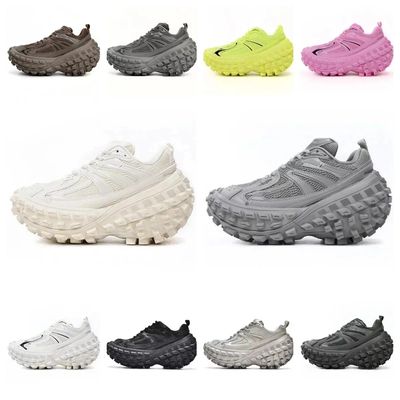 SneakersAsk for one sole photo. Shoe boxes add weight unless you have them removed.
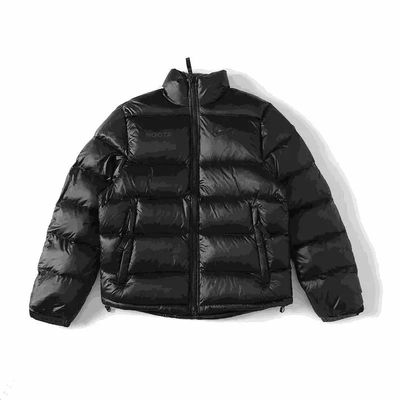 Jackets and coatsPuffers are billed by size as much as weight; a packing rehearsal shows which.
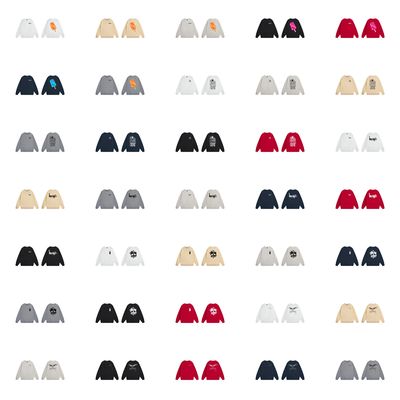 HoodiesCompare the chest width in centimeters, not the letter on the tag.
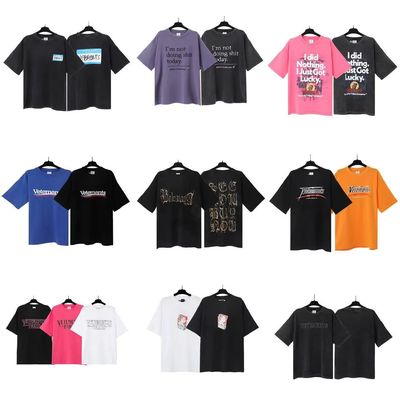 T-shirtsWrite the print position you expect in the order notes.
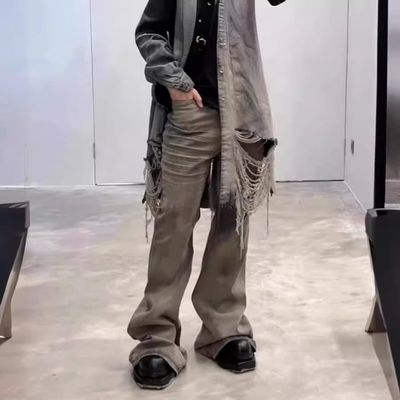 JeansPut waist and inseam in centimeters in the notes box.
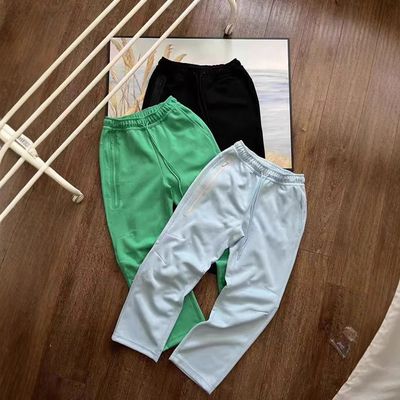 SweatpantsElastic waists hide sizing; a flat measuring photo costs CNY 1.
 WomenswearSeller size charts often go by body weight, in jin or in pounds.
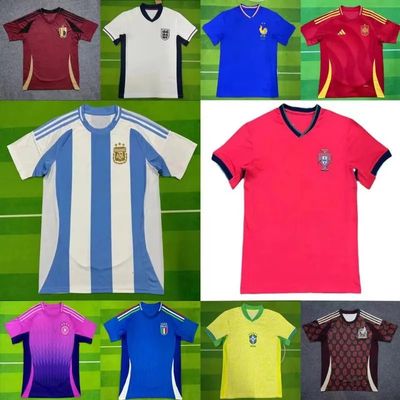 JerseysRequest a close photo of the crest and the printed name.
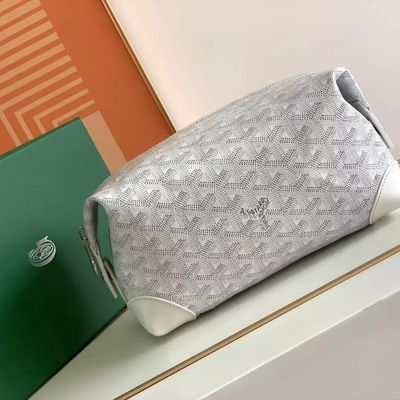 BagsAsk whether a dust bag or box ships with it; both cost grams.
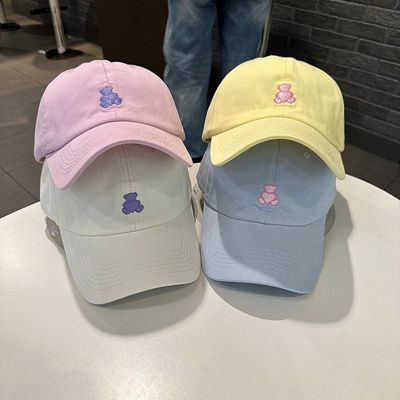 HatsCrowns get crushed; reinforced packing is a parcel option.
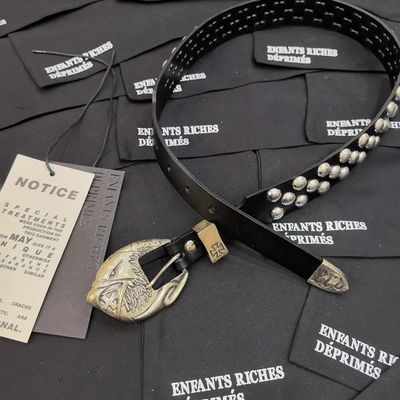 BeltsBuckle style and strap length are usually two separate choices.
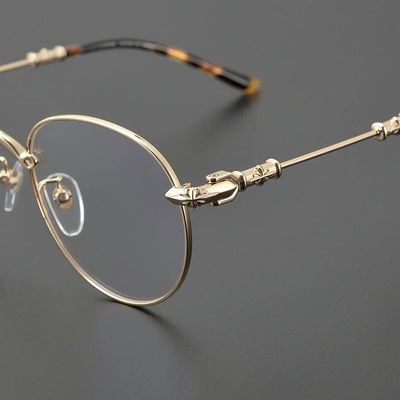 EyewearBreakage claims are refused for fragile goods; only loss counts.
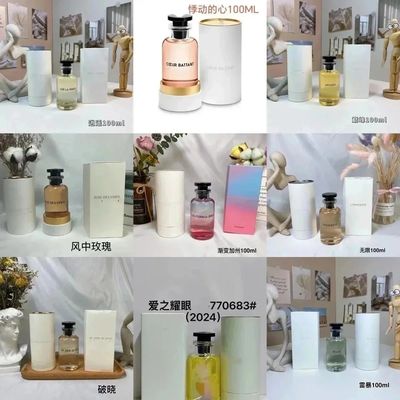 PerfumeNeeds a perfume line. Saudi Arabia had none in our replay.
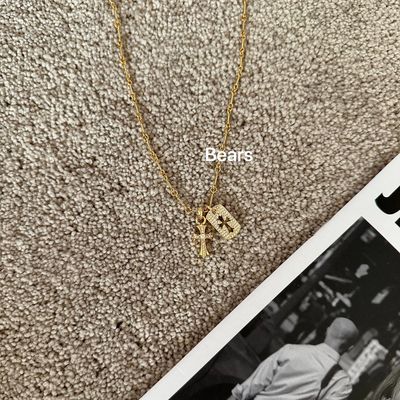 JewelleryTiny pieces: one extra close-up usually settles the clasp.
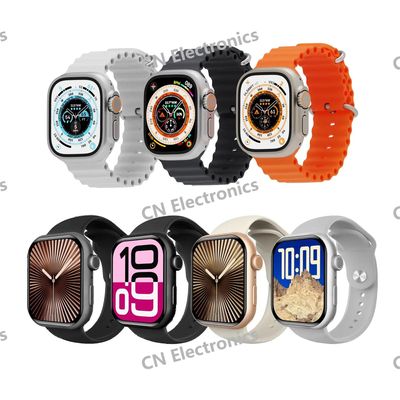 WatchesA watch battery moves the parcel onto a battery line.
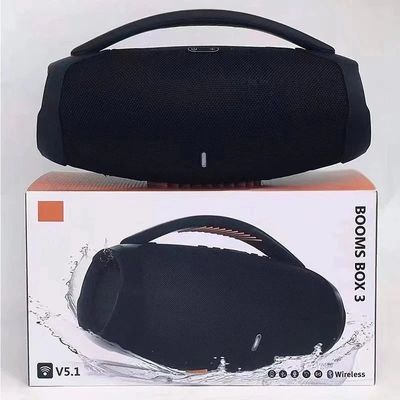 ElectronicsInspectors check the outside only; nothing is switched on.
What the AnovaBuy Spreadsheet is, and what it is not
Think of an AnovaBuy Spreadsheet as a shop window sorted into categories. You walk the shelves, pick a listing that lives on a Chinese marketplace, and let AnovaBuy do the buying. Nothing gets downloaded, and AnovaBuy has no hand in running it. The word stuck because early versions of these catalogs were shared as files; the useful part was always the curated list of products and links.
On this site the shelves are the first half of the job and the handbook is the second. A shelf gets you to a listing. The notes in the table below tell you what to write when that listing reaches AnovaBuy's product page, and what to decide later when it goes into a parcel.

Per-shelf notes for the AnovaBuy notes box
These are the details that most often decide whether a product arrives as expected. The middle entry is what to put in the AnovaBuy notes box or request as an extra photo; the last entry is what to weigh up when the item joins a parcel.
| Shelf | In the order notes | At the parcel stage |
|---|---|---|
| Sneakers | Foot length in cm; ask for a sole photo | Remove the shoe box if weight matters |
| Jackets and coats | Chest and sleeve in cm, flat | Bulky: a packing rehearsal shows the volume weight |
| Hoodies | Chest width and body length | Several hoodies push a box past the first weight step fast |
| T-shirts | Print position and colour by photo | Light; good filler for a parcel that is under a step |
| Jeans | Waist, inseam, rise | Denim is dense; weigh, do not guess |
| Sweatpants | One flat measuring photo at CNY 1 | Pack with other soft items |
| Womenswear | Body-weight band versus your own weight | Watch the no-reason exclusions for underwear and socks |
| Jerseys | Close photo of crest and printed name | Many identical jerseys in one box can look commercial |
| Bags | Whether a dust bag or box is included | Rigid boxes add grams; decide before submitting |
| Hats | Head circumference in cm | Ask for reinforcement so crowns are not crushed |
| Belts | Strap length and buckle as separate choices | Metal buckles weigh more than you think |
| Eyewear | Frame width in mm from the listing | Fragile: loss is claimable, breakage is not |
| Perfume | Bottle size and whether it is sealed | Needs a perfume line; check your country has one |
| Jewellery | One close-up of the clasp or stone setting | Small and light; fine in a mixed parcel |
| Watches | Band length; battery or automatic | A battery means a battery and magnet line |
| Electronics | Plug type and voltage | Not powered on at inspection; battery line needed |

Links from Weidian and the other marketplaces
On our shelves, Weidian listings outnumber Taobao and 1688 ones. AnovaBuy, by contrast, builds its examples around Taobao, Tmall and 1688, and its search results switch between just two sources, 1688 and Taobao. Weidian is not mentioned either way. Paste the link and see whether AnovaBuy fills in the product page. If it does not, AnovaBuy's Custom Order route handles goods that need special sourcing; the Service Fee article charges 6 percent for that route, usually topping out at CNY 400 an order, with nothing due if sourcing comes to nothing.

A preflight card for Spreadsheet sites themselves
There are many sites built around the same idea. Why this site exists: we wanted the product shelves and the agent's own rules on one page, with each fact dated and each check written down. We read AnovaBuy's help center in full, replayed its public freight quotes, and captured its screens on October 23, 2026. We did not place a test order, and we say so wherever that limits what we can tell you.
The five tests below show how to pick out a Spreadsheet site worth trusting, ours included:

We update the dated facts when AnovaBuy changes a page we cite, and log each change on the updates page. Spotted a link that fails, or a number AnovaBuy has since changed? The editors' address is on the about page.